
WhatsApp Business API vs Regular WhatsApp: What Is the Difference?
Clear differences between personal WhatsApp, the WhatsApp Business app, and WhatsApp Business API — and which fits restaurants when.
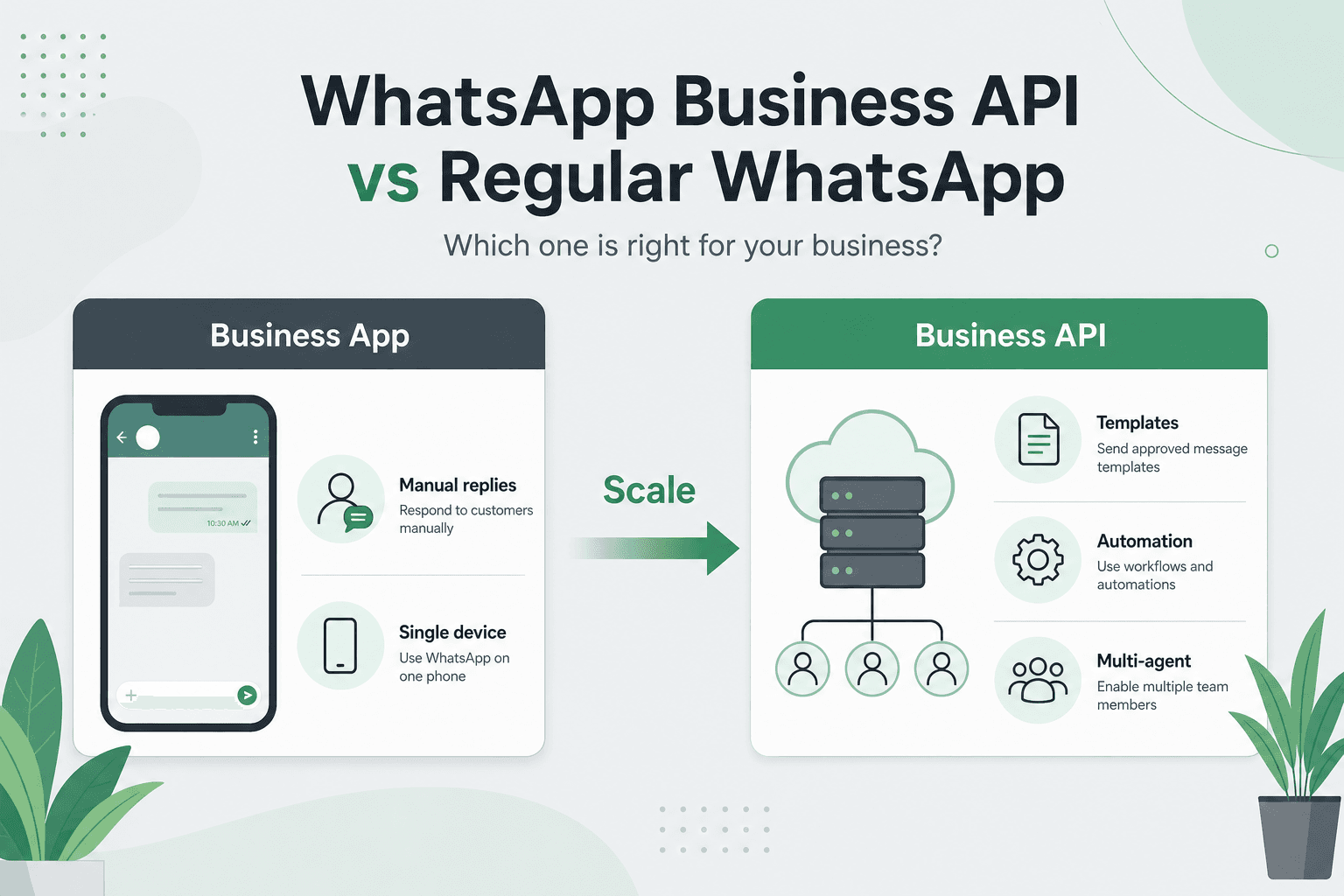
When restaurants say “we take bookings on WhatsApp,” they usually mean the chat app on a phone. Meta actually has three layers: personal WhatsApp, the WhatsApp Business app, and WhatsApp Business API (Cloud API via a BSP).
This article separates them and explains when each fits — and why reservation automation needs API-based flows.
1. Three layers: personal, Business App, Business API
Personal WhatsApp is for individuals. The Business app adds profile, hours, quick replies, and labels — still phone-centric. Business API is the official server-side integration: messages go through software (booking panel, CRM, BSP) with templates and scalable automation.
- Personal: consumer chat, no business tooling
- Business App: profile + quick replies, device-centric
- Business API: software integration, templates, automation
2. Practical differences: automation, templates, team, scale
On the Business app, staff type every reminder by hand — unrealistic at 40 bookings on Saturday. With API, your reservation system fires approved templates at 24h and 2h. Proactive messages use templates; free-form replies work inside the customer care window.
- Automation: limited on App / tied to booking panel on API
- Templates: strong/required path on API for confirm & remind
- Team: App is device-led; API supports multi-agent roles
- Scale: App for dozens of chats; API for hundreds of bookings/day
3. Cost, approval, and privacy (KVKK)
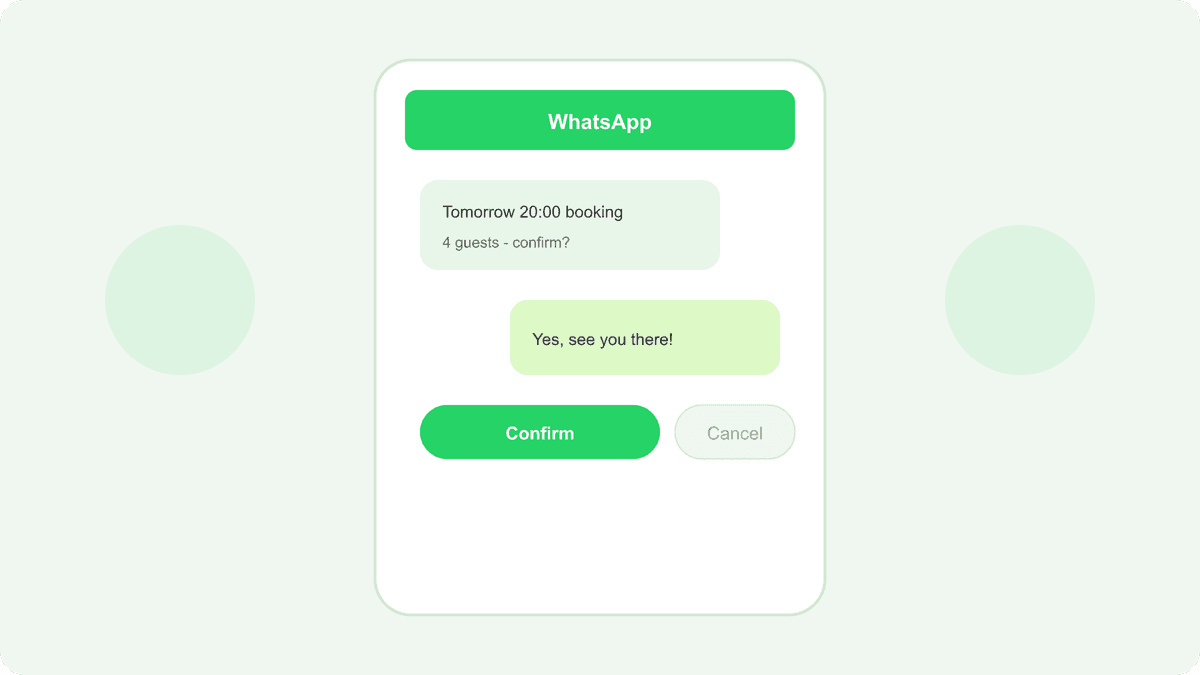
Business App is free. API involves Meta conversation pricing and usually a BSP or SaaS. Display name and template approval take time. In all cases, guest messaging needs notice and consent — API + booking forms make consent logs easier to keep.
- App: low entry cost, high manual labor
- API: message/conversation cost + setup; automation ROI
- Template and business verification timelines
- KVKK: explicit consent on the form + retention policy
4. Which option for your restaurant?
Under ~10 bookings/day and one host: start with Business App and clear scripts. When automatic no-show reminders or multi-user inbox become necessary, move to API. Multi-location or heavy online-form traffic almost requires API.
- Business App: low volume, single operator
- API: auto reminders, multi-user, high volume
- Hybrid: collect via form, confirm/remind via API
5. How TablePing bridges the gap
TablePing is not about typing chats faster — it ties booking records, floor plan, and guest messaging to one operational truth. Confirmations and reminders fire from reservation status. Start with online forms; add WhatsApp automation as volume grows.
- Booking panel ↔ message triggers
- 24h / 2h reminders and waitlist after cancel
- Deposit link inside confirmation
- KVKK-compliant communication consent
Regular WhatsApp (personal or Business App) is for chatting; WhatsApp Business API is for automation and scale. The right question is whether your booking record and messages talk to each other automatically.
Unify reservations and WhatsApp with TablePing — start with a free trial.
Related pages