
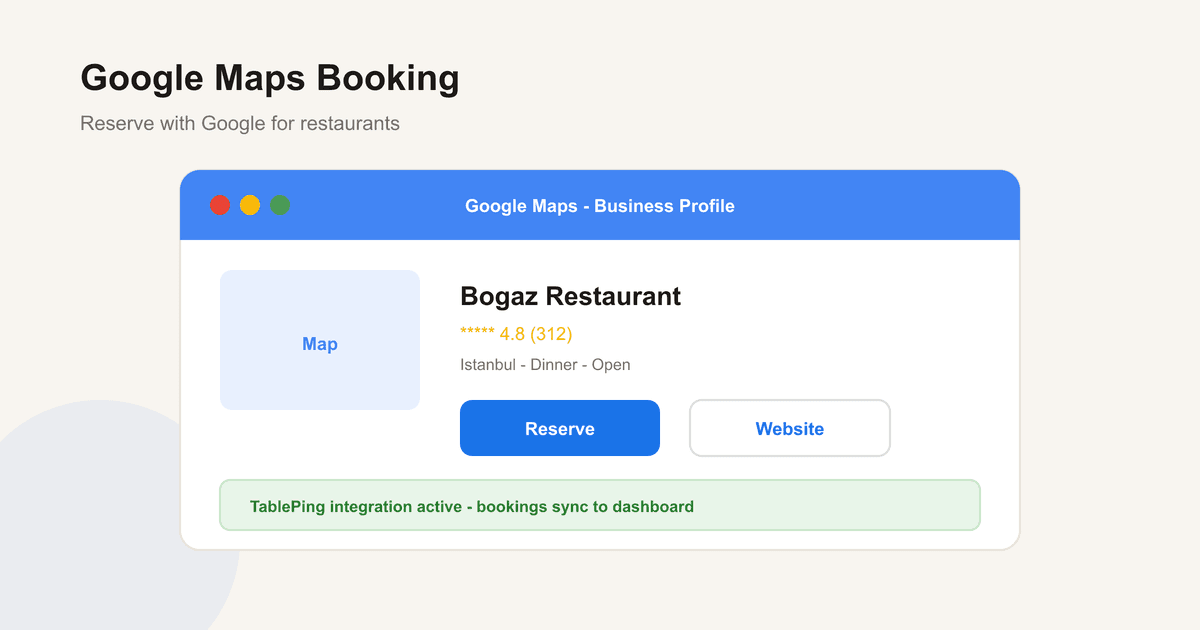
Taking Reservations via Google Maps: A Guide for Restaurants
What Reserve with Google is, how to take bookings from Google Business Profile, setup steps, local SEO impact, and TablePing integration.
Guests searching "restaurants near me" look at ratings, photos, and — if available — a Reserve button on Google Maps. Reserve with Google connects that button to your booking system.
This guide covers how it works, GBP prep, setup, and TablePing integration.
1. What is Reserve with Google?
RwG adds a Reserve button on Search and Maps. Guests book without leaving Google; requests sync to your provider (e.g. TablePing).
- Reserve button on Search + Maps
- Book without leaving the app
- Sync to your dashboard
- Stronger local / GEO visibility
2. Why Google bookings matter
Most discovery happens on Google. Without a Reserve button, competitors win the tap. RwG also cuts phone load and takes bookings 24/7.
- Converts local discovery traffic
- 24/7 bookings
- Maps competitive edge
- Real-time availability prevents double booking
3. Prepare Google Business Profile
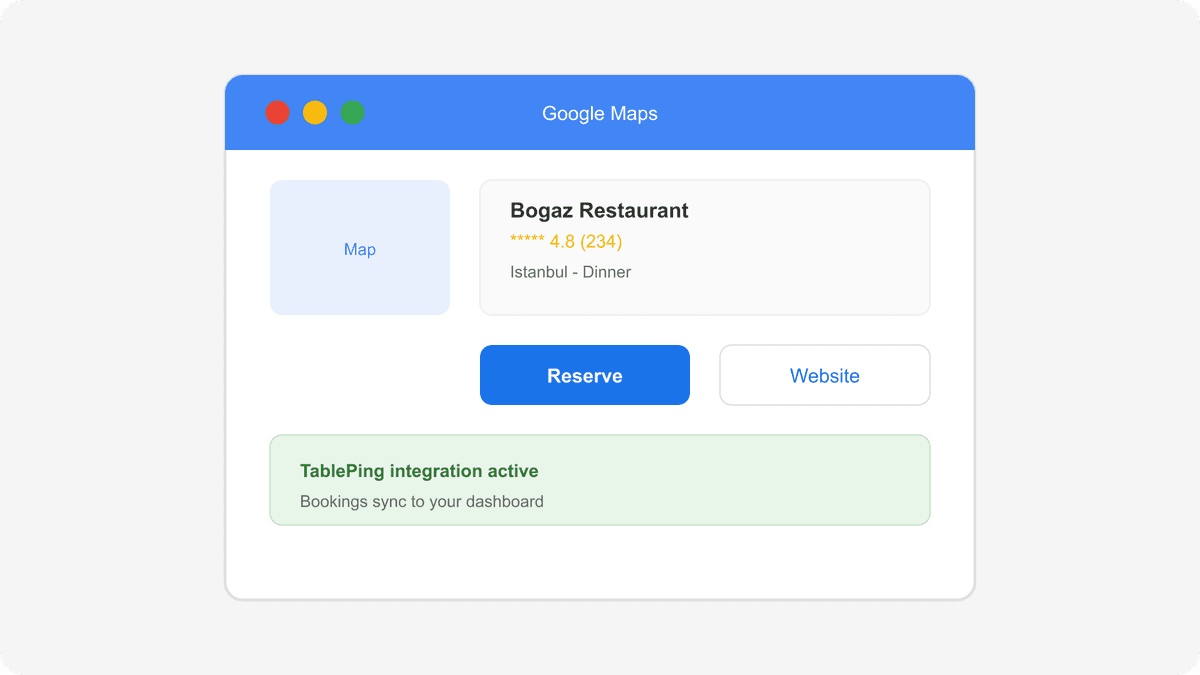
Verified listing, correct category, hours, photos, menu link, and NAP consistency across the web.
- Verification complete
- Category and attributes
- Hours and holidays current
- Photos and menu link
- NAP consistency
4. How to enable RwG
Connect via an approved booking provider, sync availability, test create/cancel, confirm the button on GBP.
- Choose an approved provider
- Sync availability and capacity
- Test booking flows
- Confirm button visibility
- Train staff on the Google channel
5. Ops tips and common mistakes
Apply the same reminder and deposit rules. Keep hours accurate; do not overstate capacity.
- Same policy across channels
- Update holiday hours
- Do not overstate capacity
- Tag Google bookings for reporting
6. Local SEO and GEO impact
RwG boosts engagement signals that matter for the local pack when paired with reviews, NAP accuracy, and fast replies.
- Engagement + accuracy signals
- Review response speed
- Neighborhood content + Maps alignment
- Bookings = measurable conversion
7. Google bookings with TablePing
Professional plan syncs Google bookings, availability, WhatsApp reminders, deposits, and waitlist in one panel.
- Google booking sync
- Real-time availability
- WhatsApp reminders
- Deposits and waitlist
- Channel reports
Google Maps reservations turn local discovery into seated guests. Strengthen GBP, enable RwG via an approved provider, and sync everything with TablePing.
Related pages