
How to Track Special-Occasion Orders (Birthday Cakes) in Bakeries
A step-by-step guide to lead times, deposits, production lists, and WhatsApp follow-up for birthday cakes and special-occasion bakery orders.
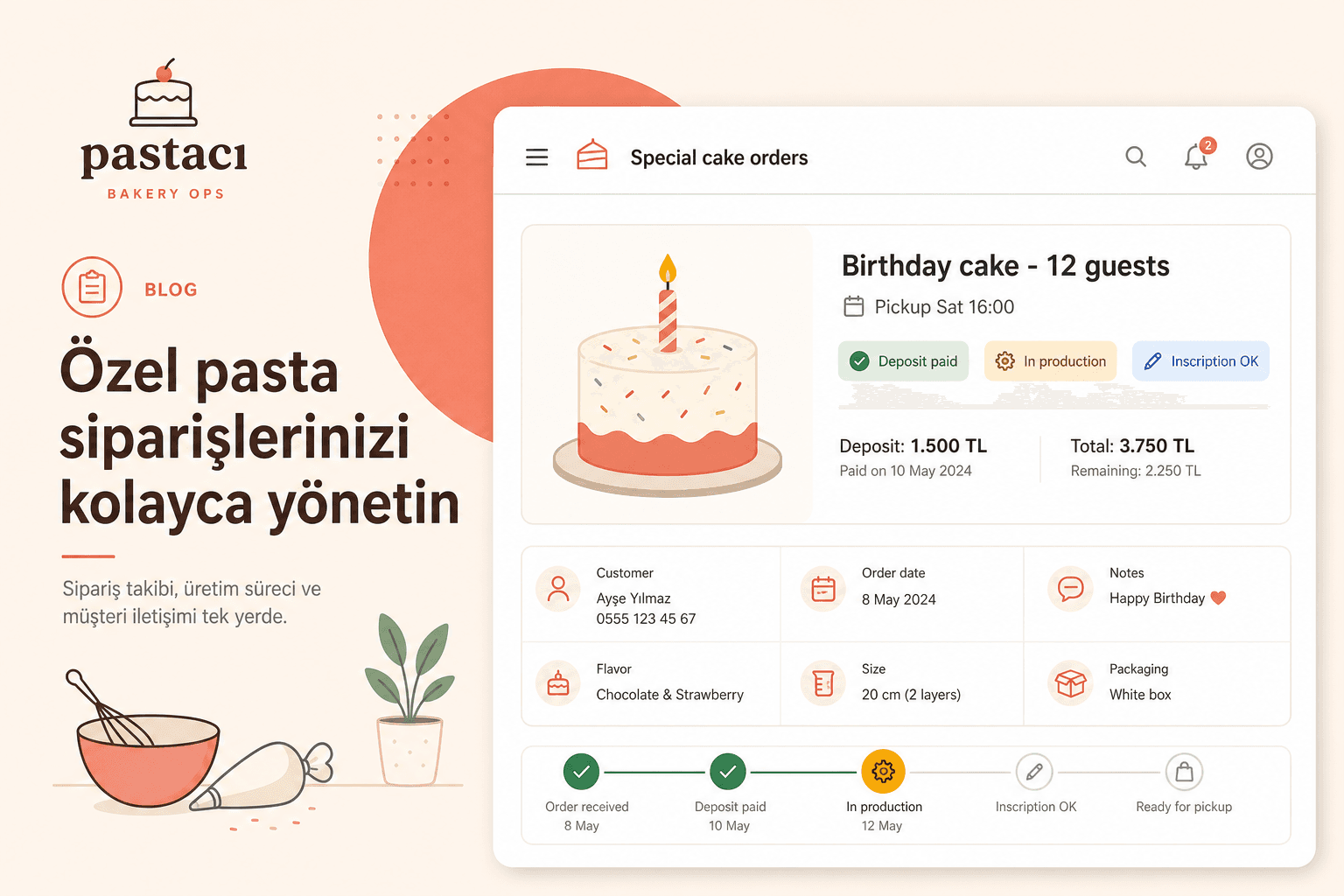
Custom cakes are among the most profitable — and riskiest — bakery orders. Birthday, engagement, baby shower, corporate catering: each needs size, inscription, allergens, and a pickup slot. When the order is in a notebook, the photo in WhatsApp, and the deposit in the till, one broken link creates “wrong message” or “cake not ready” crises.
Here is how bakeries can track special-occasion orders end to end.
1. Create one order card per request
Do not mark a custom cake “confirmed” until delivery time, size, type, inscription, allergens, contact, and deposit status are filled. Attach WhatsApp photo references to the same record.
- Delivery: date + time + pickup/delivery
- Product: size, layers, flavor, décor
- Inscription: exact text
- Allergens: gluten, nuts, lactose, etc.
- Deposit: amount + paid / pending
2. Set lead time and daily production caps
Same-day rush cakes are not always possible. Publish minimum lead time (24–48h) and a daily custom-order ceiling. Close capacity early on peak holidays.
- Standard lead time: 24–48h (complex décor: 72h)
- Daily quota based on kitchen capacity
- Early cut-off + pre-order campaigns on peak days
3. Do not start production without deposit and written OK
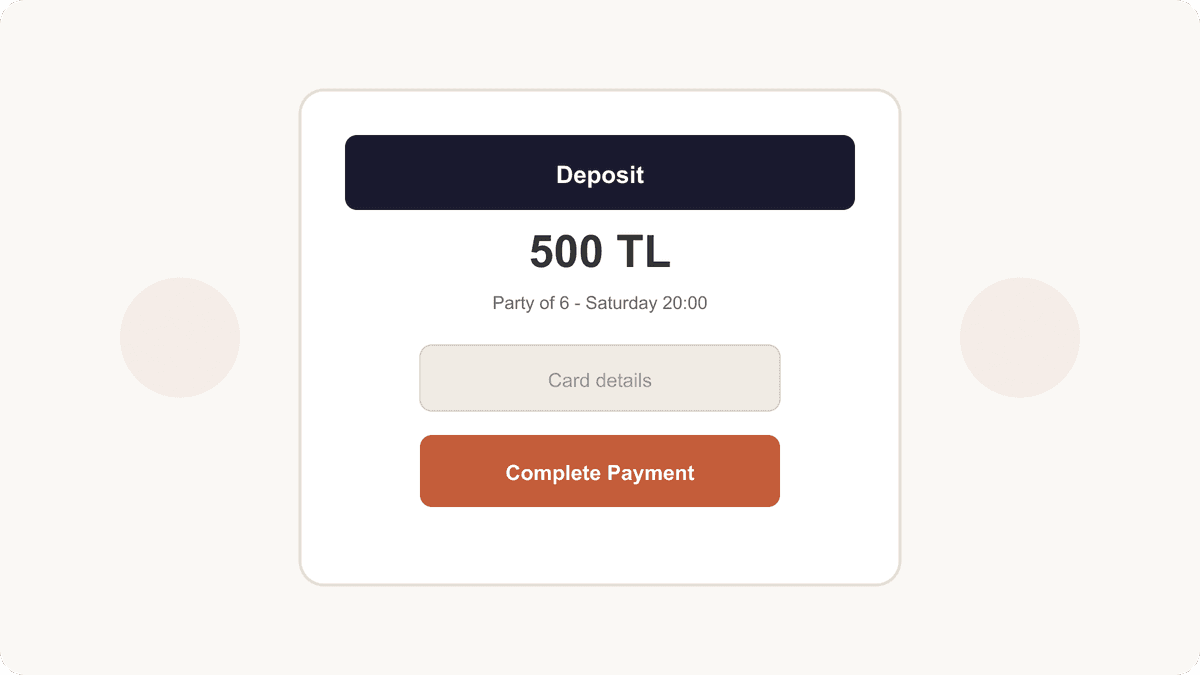
A bakery no-show wastes ingredients, labor, and display space. Require a deposit, then send an order summary for guest confirmation before production.
- Publish deposit policy on menu/Instagram
- Payment link or receipt on file
- Summary message + guest confirmation
- Cancellation window and refund rule
4. Run a day-by-day production calendar
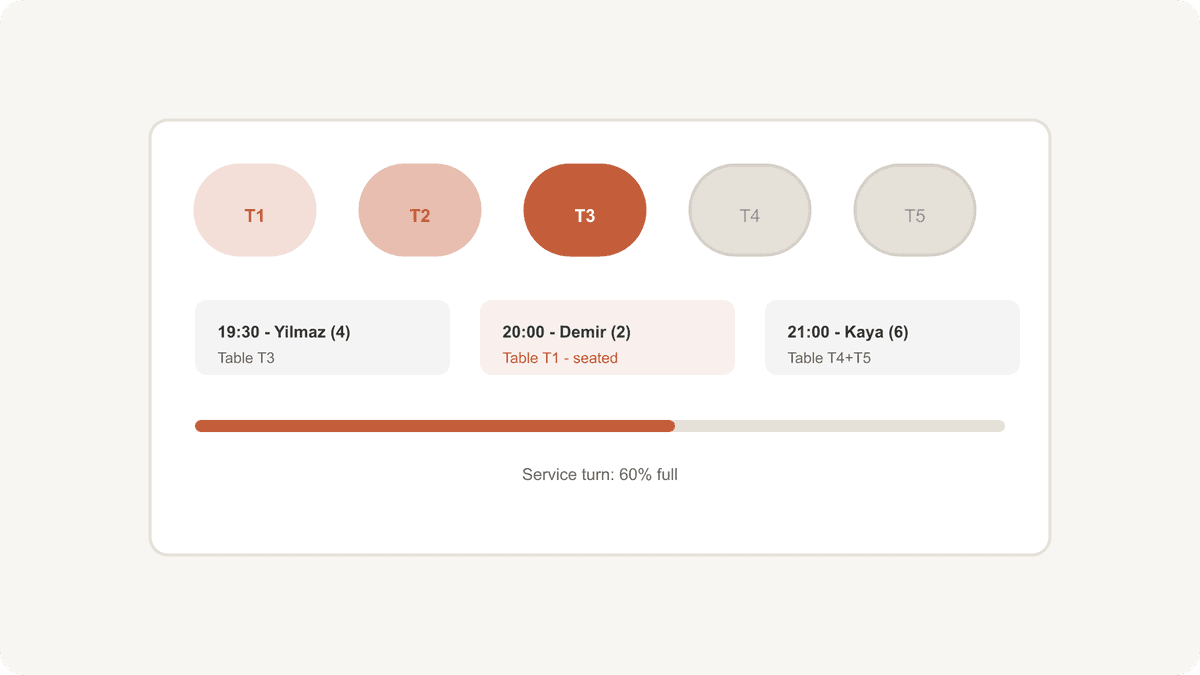
Sort by pickup time, not by when the message arrived. Use statuses: pending → deposit paid → in production → ready → delivered. Double-check inscriptions before handoff.
- Daily list sorted by pickup time
- Clear status pipeline
- Two-person inscription check
- Photo archive at handover
5. Close the loop with WhatsApp reminders and TablePing
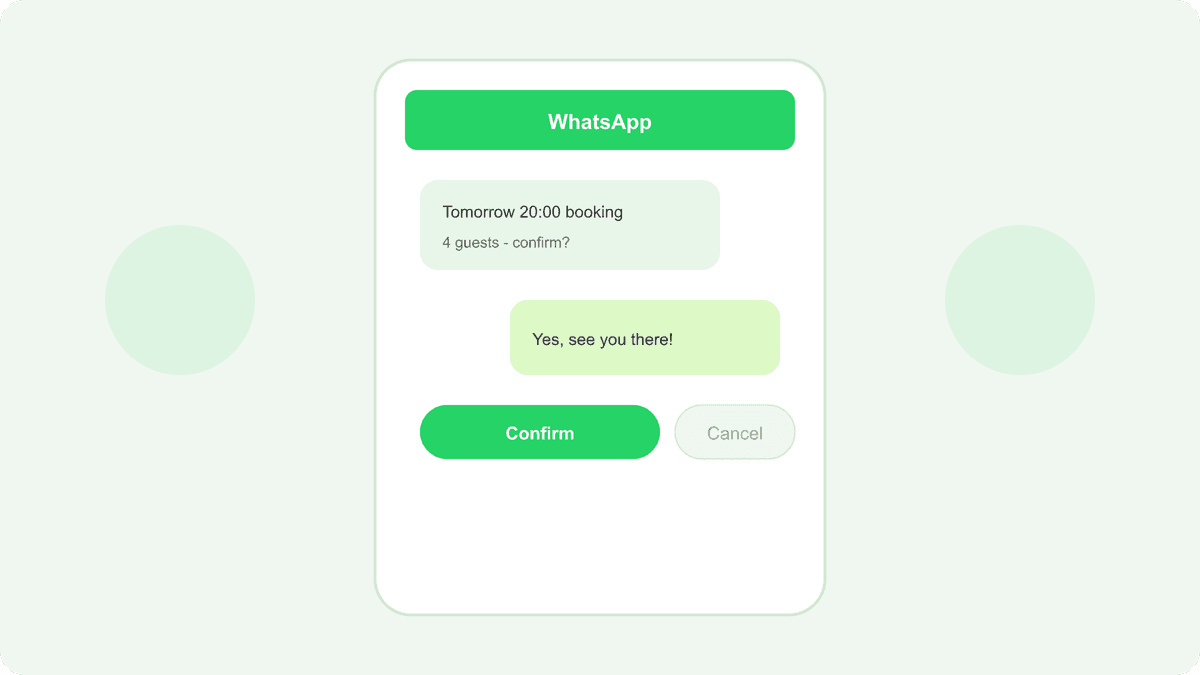
Send a 24h pickup reminder with balance due and access notes. If the guest cancels, reopen that day’s quota. TablePing helps centralize confirmation and reminder discipline so WhatsApp stops being a scattered notebook.
- 24h pickup reminder
- Final balance and inscription check
- Reopen quota on cancellation
- Order + message history in one panel