
Managing Ramadan and Iftar Reservations: A Guide for Restaurants
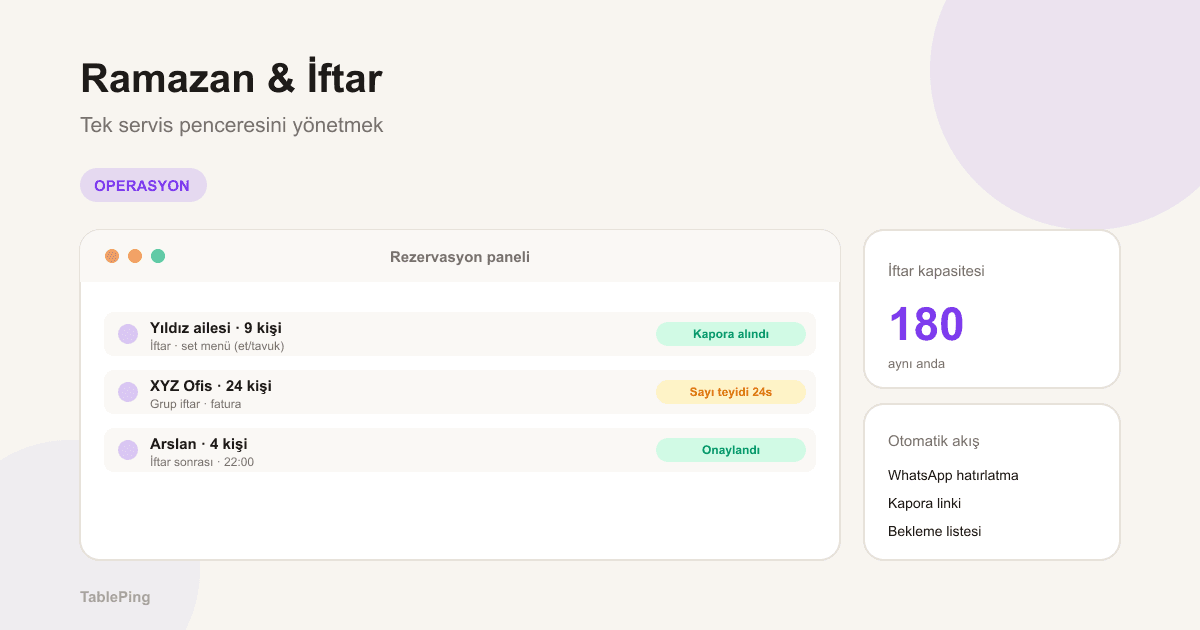
Iftar is a single seating — everyone sits at the same minute. A practical guide to running set menus, group bookings, deposits, and the one service window through Ramadan.
Ramadan is the busiest and most compressed period in restaurant reservation operations. A normal dinner service spreads across 7:00–11:00pm, but at iftar everyone sits at the same minute — the moment the fast breaks. That single service window forces capacity, kitchen, and reservation flow to run with far less margin for error than usual.
This guide covers how to keep iftar reservations under control through Ramadan with set menus, group management, deposits, and the right timing. Prepare before Ramadan and the whole month runs to plan.
1. Iftar is a single slot: build capacity around it
There is no second turn at iftar; everyone is at the table at the breaking of the fast, and most guests stay at least another 60–90 minutes. So iftar capacity is the maximum number of people the room can host at once — lower than normal dinner capacity.
In TablePing, define a separate capacity and a single iftar slot for the Ramadan date range. Fix the iftar time in the reservation form; the guest shouldn’t ask “what time should we come,” the system should tell them.
- Separate capacity and a single iftar slot for Ramadan
- Fix the iftar time in the form (by city)
- If you run a post-iftar second turn, state a clear time (e.g. 10:00pm)
3. Manage group and corporate iftars separately
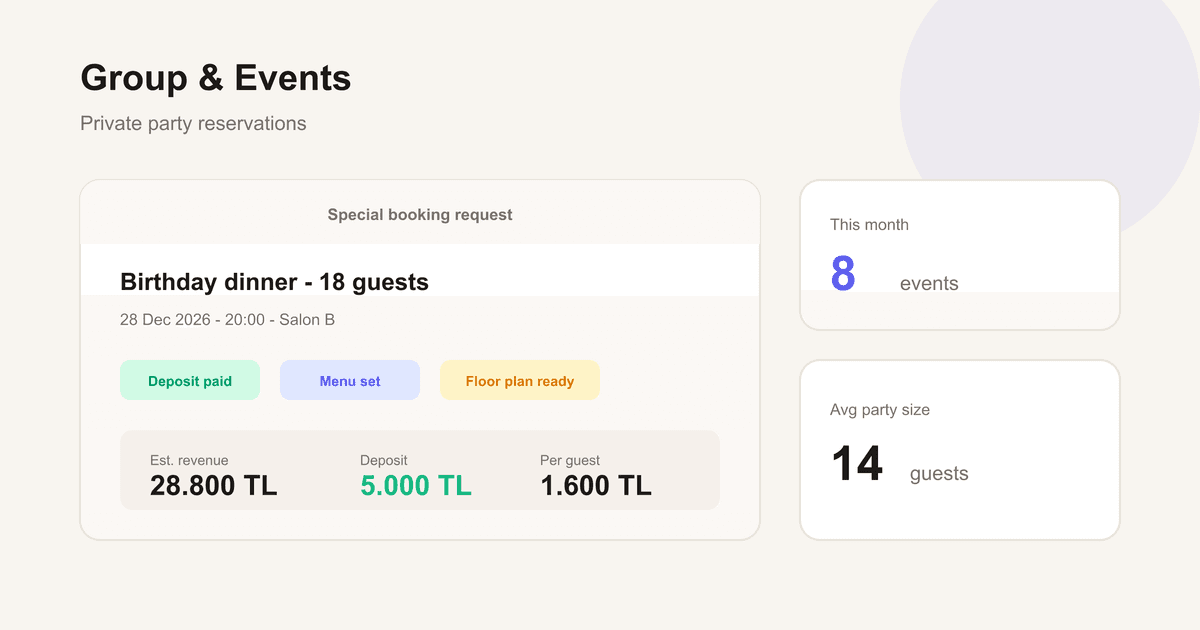
Most iftar reservations in Ramadan are large groups: families, workplaces, associations. Set up a separate reservation flow for parties of 10+; collect headcount, menu split, billing info, and contact person upfront.
Large groups change their headcount often right up to iftar. Confirming the final number 48h and 24h ahead over WhatsApp keeps the kitchen and floor plan from staying uncertain until the last moment.
- Separate group flow for parties of 10+
- Headcount + menu split + billing info
- Final-number confirmation 48h and 24h ahead via WhatsApp
4. Prevent iftar no-shows with deposits
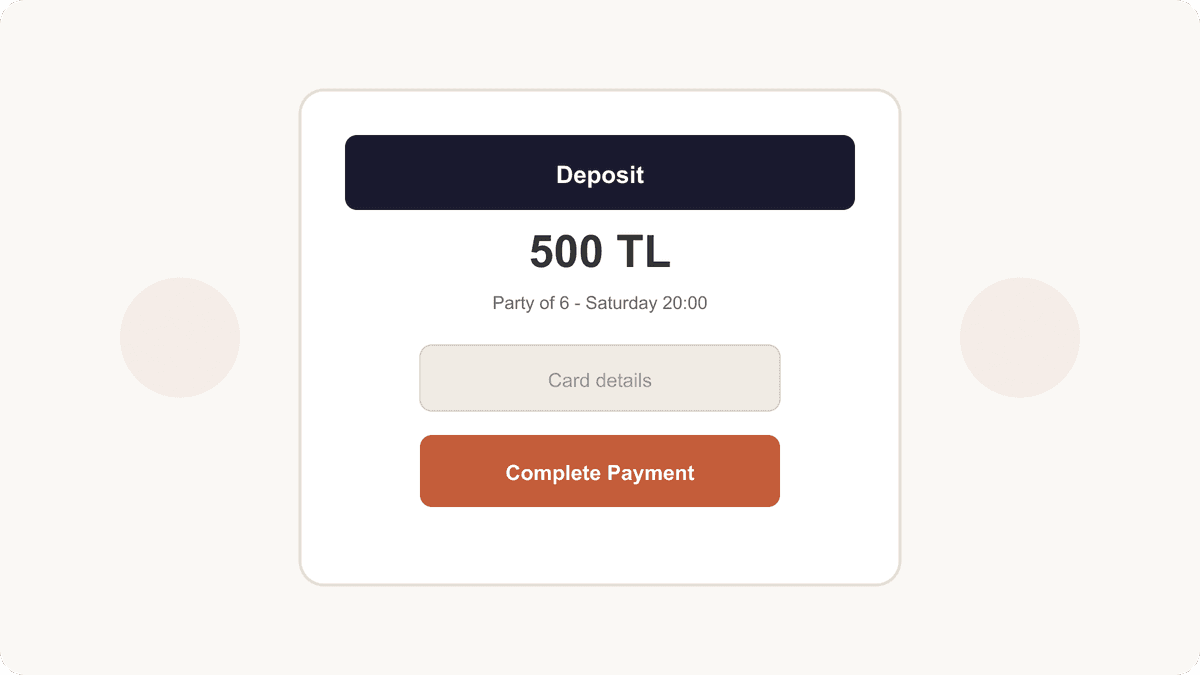
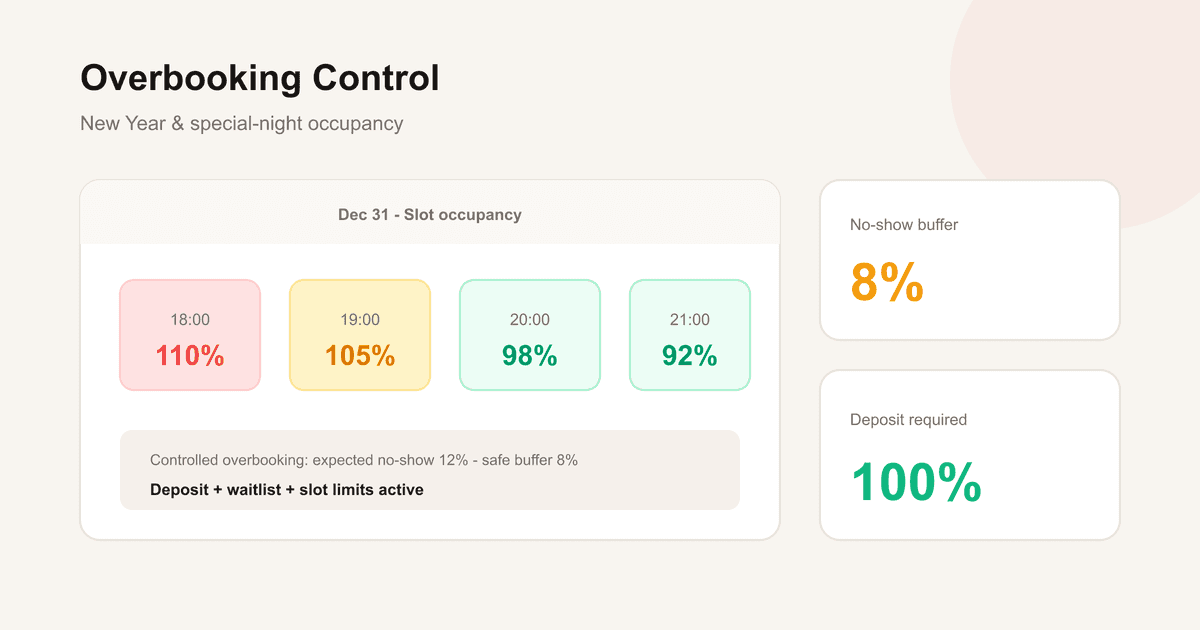
Iftar’s single service window makes a no-show far more costly than on a normal night: the empty table can’t be recovered with a second turn, and the prepared set-menu portion is wasted. That’s why deposits or prepaid packages have become almost standard in Ramadan.
Take part of the per-person price (say 30–50%) as a deposit at booking; collect the rest at iftar. State the cancellation window clearly (e.g. 48 hours ahead). Send the deposit link automatically with the confirmation.
- 30–50% of the per-person price as a deposit
- Cancellation window: 48 hours ahead, in writing
- Deposit link automatic in the confirmation
5. Open reservations early, lead with the online channel
Iftar reservations get planned weeks before Ramadan starts. Open bookings 3–4 weeks ahead; show the iftar menu, price, and deposit terms clearly on your website, Instagram, and Google Business Profile.
Through Ramadan, the phone jams in the hours near iftar. 24/7 online booking reduces the daytime load on host staff and lets out-of-town guests find you and book.
- Open bookings 3–4 weeks ahead
- Menu + price + deposit terms clear on web/Google/Instagram
- Online booking = less pre-iftar phone traffic
What defines iftar operations in Ramadan is the single service window: everyone sits at once, and the margin for error is thin. Separate capacity and one slot, a set menu, a group flow, deposits, and an early online channel together tie the whole month to a plan rather than to chaos.
With TablePing you can set up Ramadan-specific capacity, deposits, and a WhatsApp confirmation flow in one panel. Start with a free trial.