
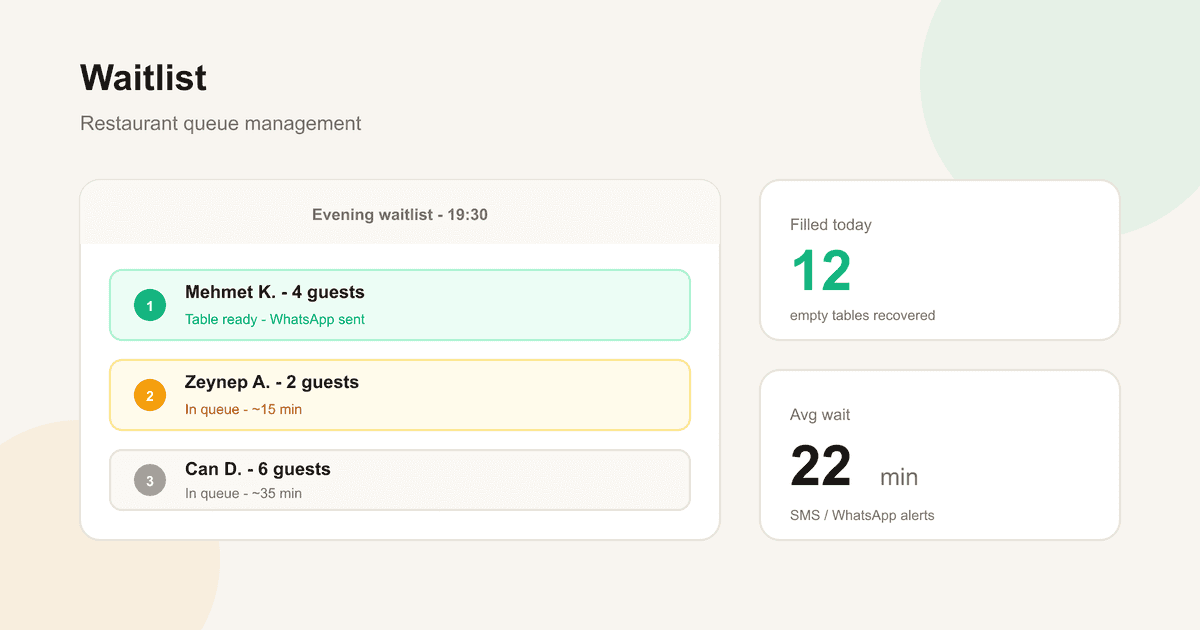
How to Manage a Restaurant Waitlist
What a restaurant waitlist is, how to set it up, how to fill empty tables after no-shows, and how a digital waitlist protects revenue.
Friday night, the dining room is full, three parties wait at the door — and a no-show table sits empty with no one notified. A waitlist turns that lost revenue into seated guests.
This guide covers how restaurant waitlist management works, how it pairs with no-show prevention, and how to automate it with TablePing.
1. What is a restaurant waitlist?
A waitlist queues guests who could not get their preferred time or who walk in when you are full. Unlike a paper note, it stores contact details, party size, preferred time, and notification channel.
It solves two problems: capturing demand when slots are full, and filling tables instantly after cancellations or no-shows.
- Demand capture for full slots
- Walk-in queue management
- Instant fill after no-show / cancel
- WhatsApp or SMS "table ready" alerts
2. Why you lose revenue without a waitlist
At 15-20% no-show rates, several tables empty every busy night. Without a waitlist those seats often stay empty. A waitlist is the most direct offset to no-show cost.
- 40-70% of no-show loss can be recovered
- Less chaos at the door
- Guests feel remembered
- Higher occupancy and revenue
3. Paper vs digital waitlist
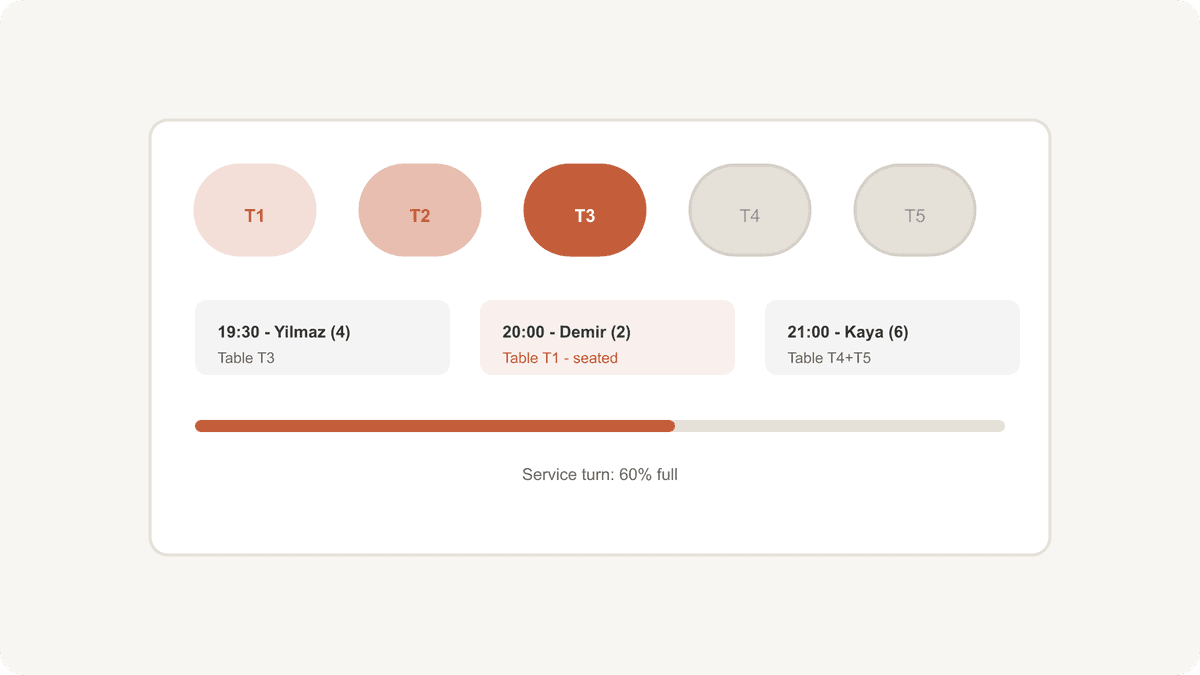
Paper works at tiny scale. On a busy Saturday with 15+ parties, digital win: auto updates, ETA, one-tap alerts.
- Manual: cheap, does not scale
- Semi-digital: Excel / WhatsApp — medium risk
- Full digital: booking + waitlist + alerts in one panel
4. Six steps to set up waitlist management
Define policy (max wait, no-show grace period, deposit rules), then channels, data fields, notifications, triggers, and conversion metrics.
- Policy first
- Online form + door QR
- Name, phone, party size, time preference
- WhatsApp / SMS alerts
- Cancel and no-show triggers
- Measure waitlist → seated conversion
5. How waitlist and no-shows work together
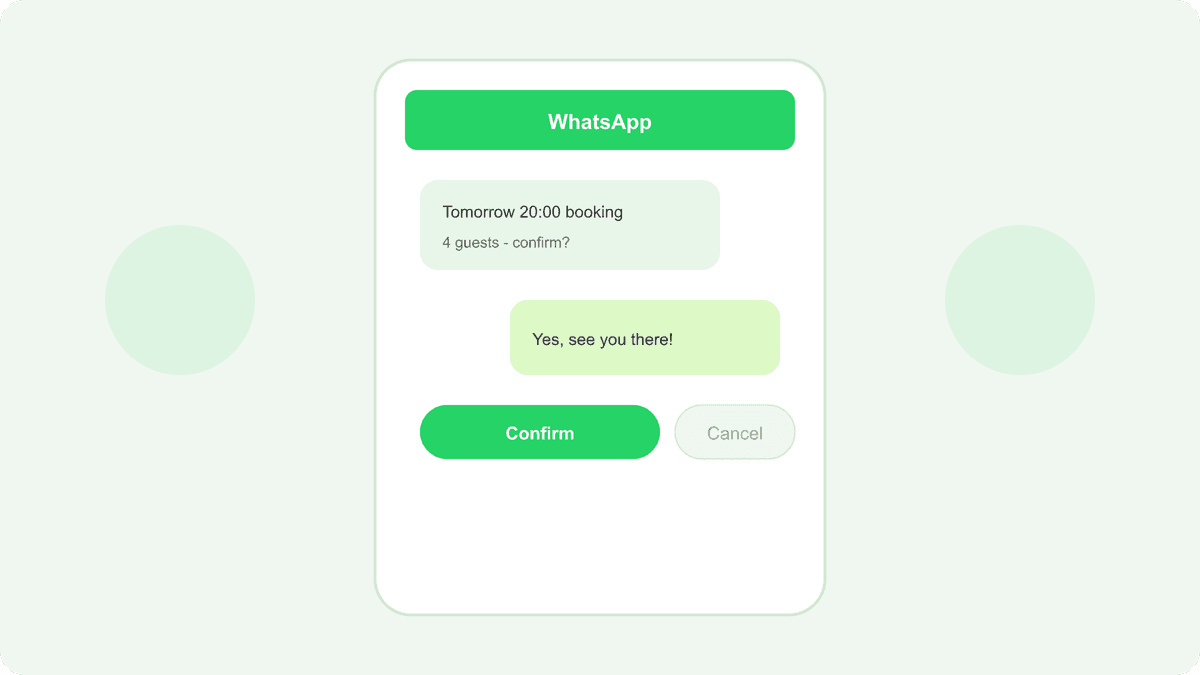
Reminders and deposits reduce no-shows; waitlist recovers what remains. Formula: WhatsApp reminders + prime-time deposits + waitlist.
- Reminders reduce no-shows
- Deposits increase commitment
- Waitlist fills remaining gaps
- Guest history flags repeat no-shows
6. Waitlist with TablePing
TablePing embeds waitlist in the reservation panel: online form when full, auto WhatsApp on cancel/no-show, synced floor plan.
- Online waitlist form
- Auto alerts after no-show / cancel
- WhatsApp "table ready"
- Floor plan sync
- Conversion and occupancy reports